One platform.
Any workflow.
Timill adapts to how your organisation works — not the other way around. Custom data, live dashboards, real-time comments, mobile access, and AI. All connected.
Platform features
Built for how your team actually works
No rigid templates. No workarounds. Every feature adapts to your process — from the data model to the dashboard layout.
Your data, your way
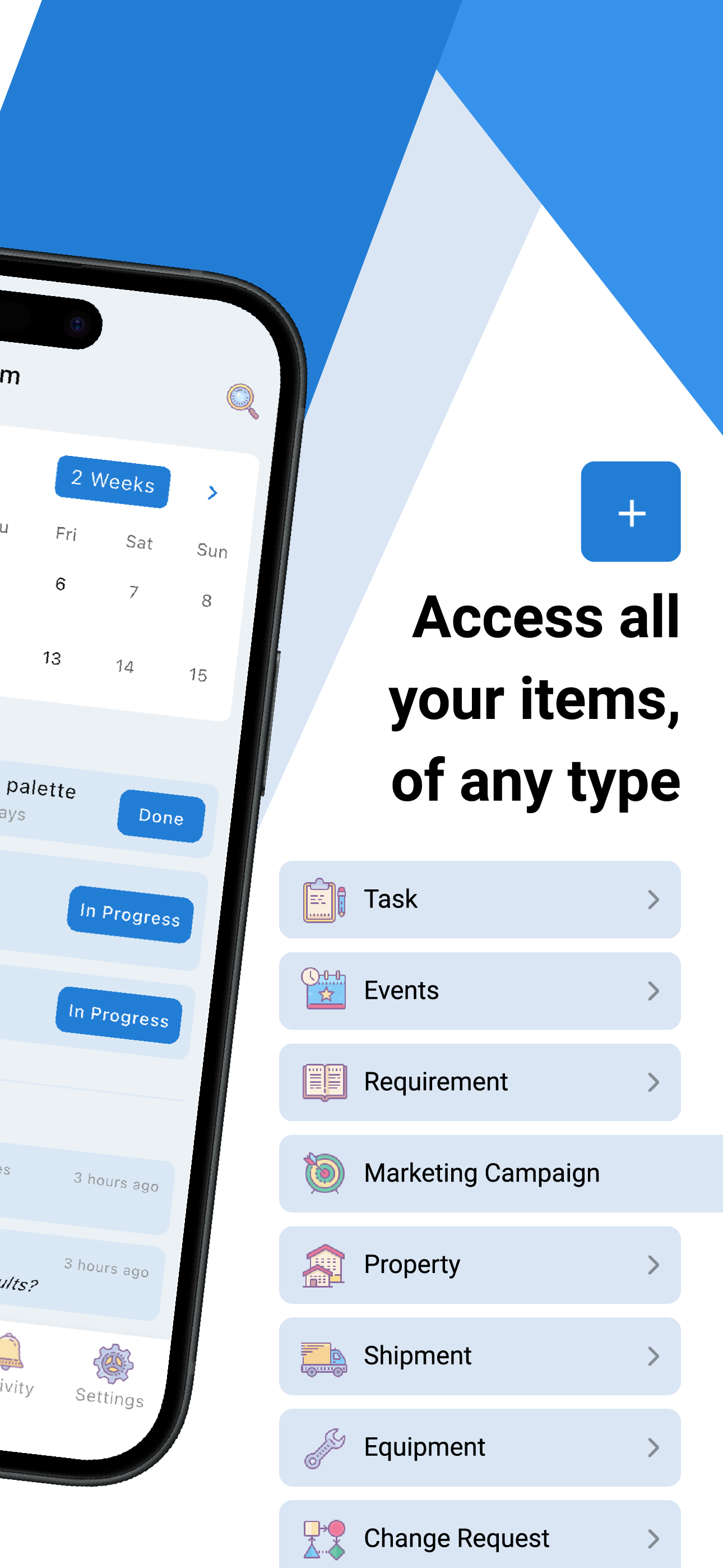
Define exactly what your team tracks — Tasks, Patients, Cases, Orders, anything. Create custom item types with any fields, statuses, and rules. No code needed.
Dashboards that answer your questions
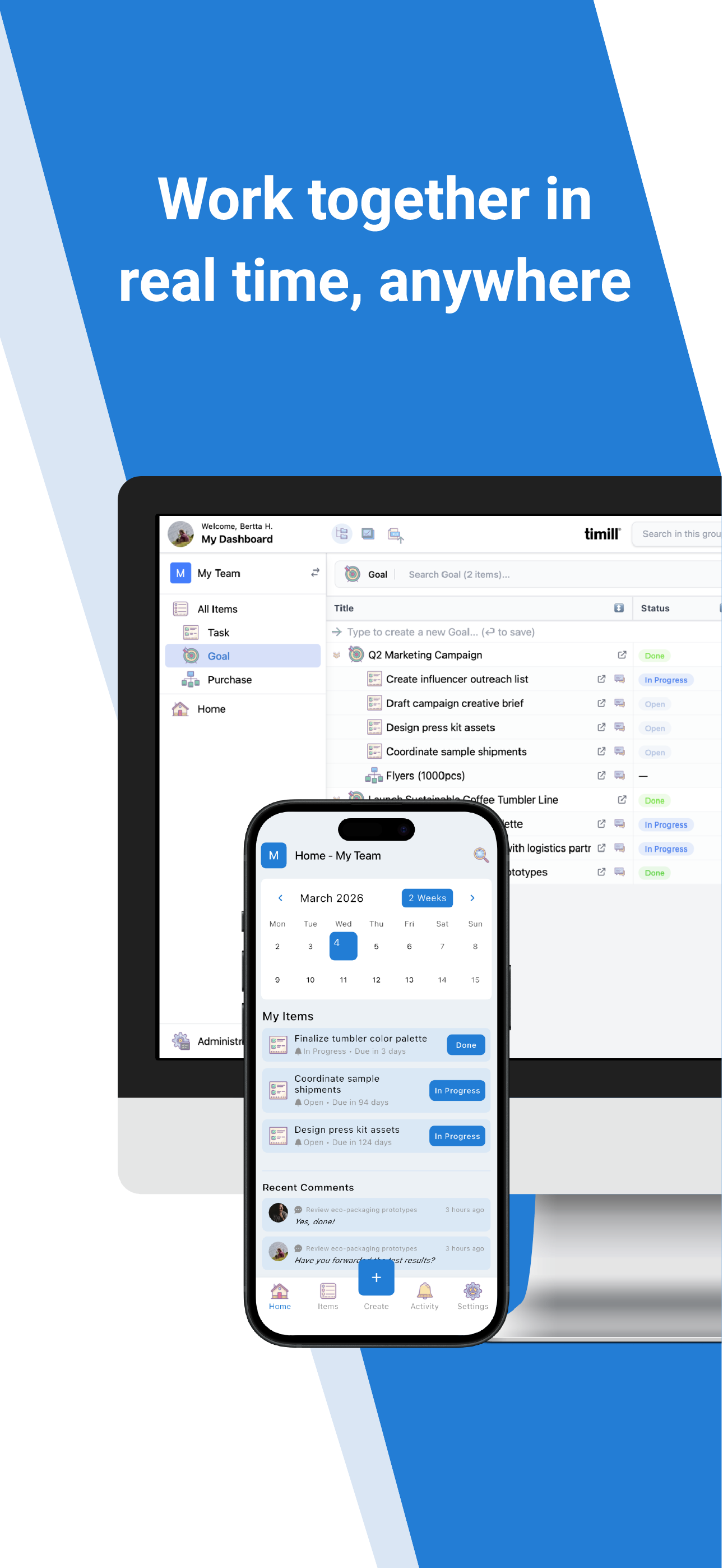
Build live dashboards with drag-and-drop widgets — Kanban boards, calendars, Gantt charts, pie and burndown charts. Every team sees what matters to them.
Real-time comments
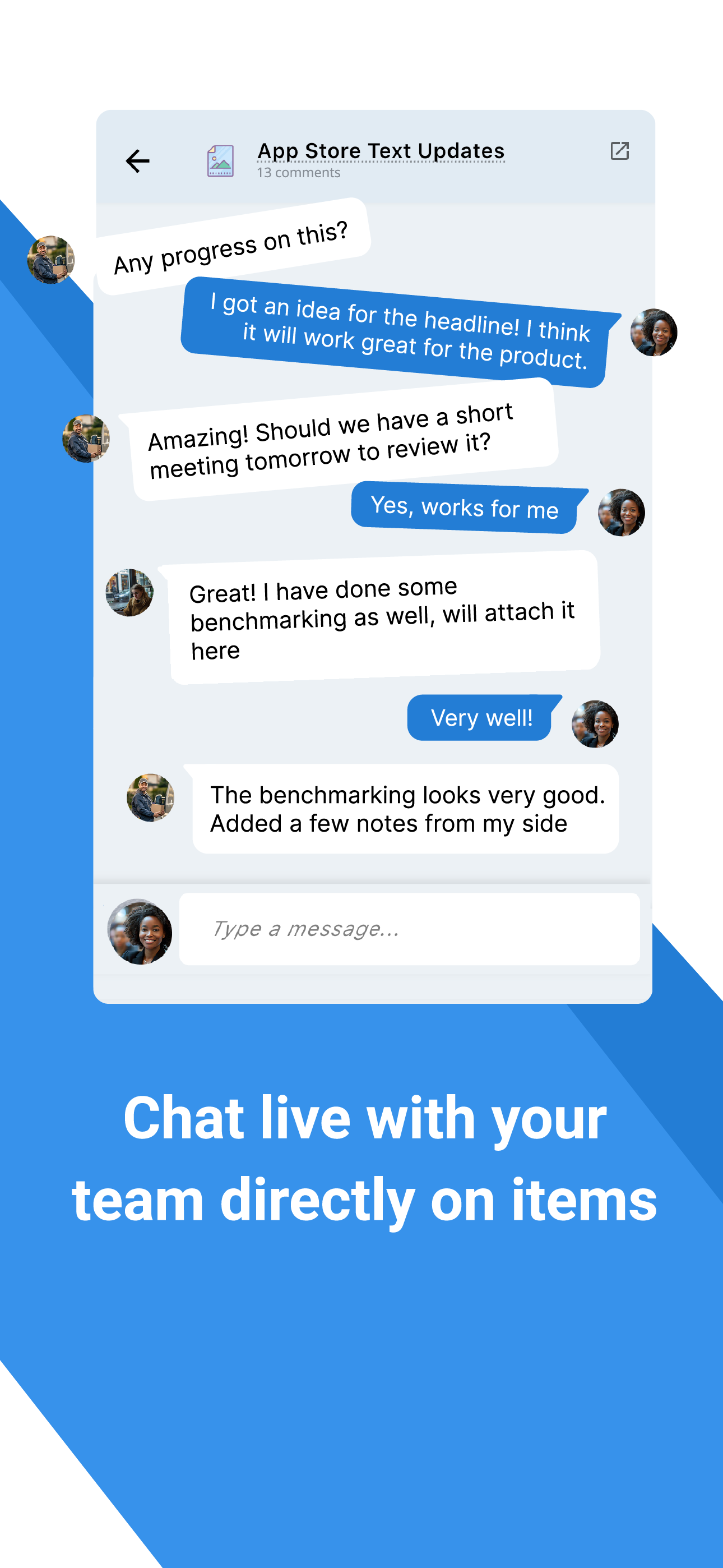
Collaborate right where the work happens. Comments appear live — like a chat thread on every item. React, reply, and get notified instantly. No more switching between tools to discuss what's going on.
Comments on: Enclosure design rev. C
@Sarah K. great — I'll start the compliance filing today. Can you attach the test report?
Automation & rules
Automate repetitive work with event triggers, scheduled scripts, conditional rules, and outgoing webhooks. Connect to external systems with a JavaScript backend.
Access control
Three-level permissions — instance, group, and field. Custom roles, per-field read/write, and data filter rules to restrict item visibility by role.
Forms & import
Public or private submission forms that create items instantly. Import data from Excel, CSV, or let AI extract it from documents. No manual re-entry.

API & integrations
Full REST API, real-time SSE events, mobile API, HMAC-signed webhooks, and push notifications. Connect timill to any system in your stack.
How timill is structured
Four concepts. Unlimited possibilities.
Timill organizes work around a simple hierarchy — flexible enough to model any process, from a solo team to an entire organisation.
Groups
Teams, departments, or process areas. Each group has its own data types, members, dashboards, forms, and roles.
Item Types
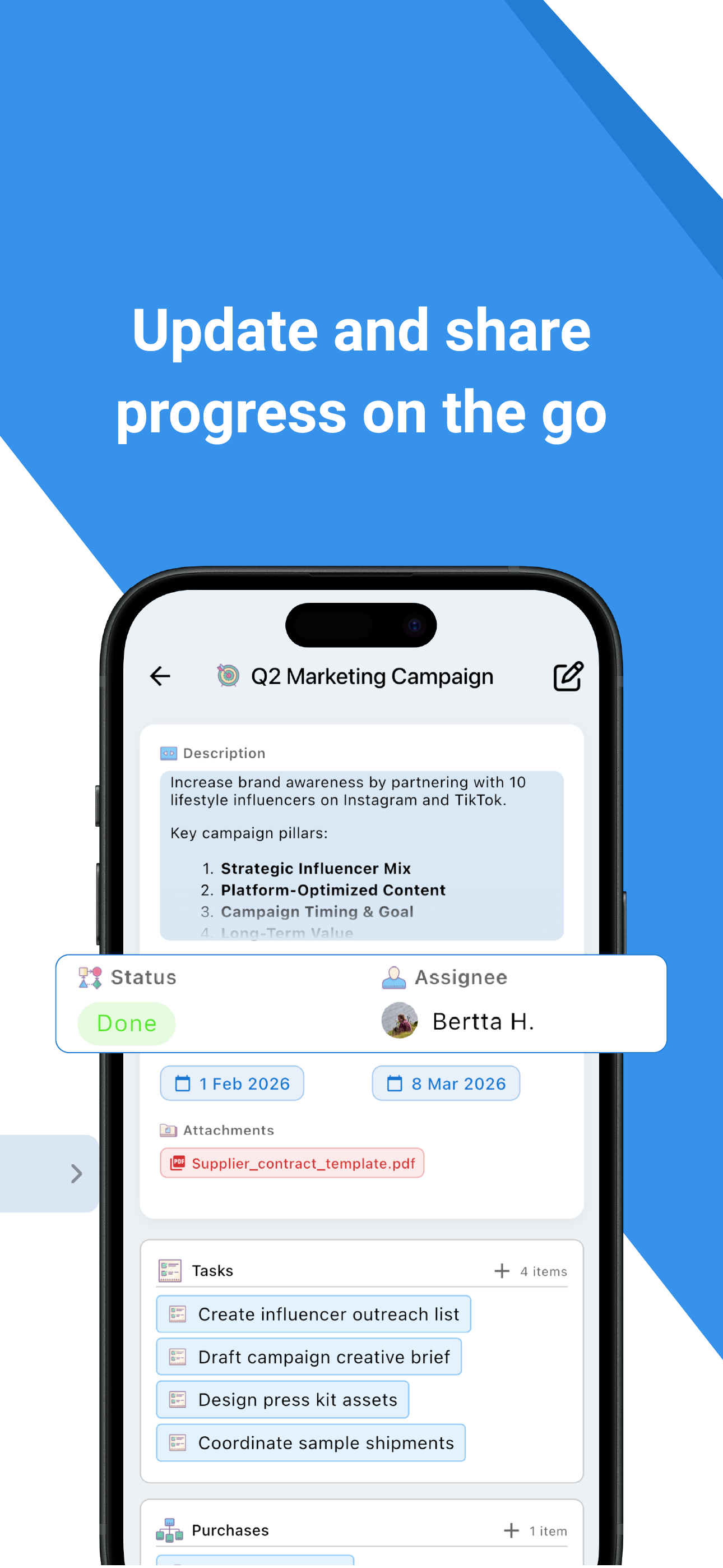
Your data schema — define what you track. Tasks, Patients, Cases, Orders… any structure with custom fields and statuses.
Items
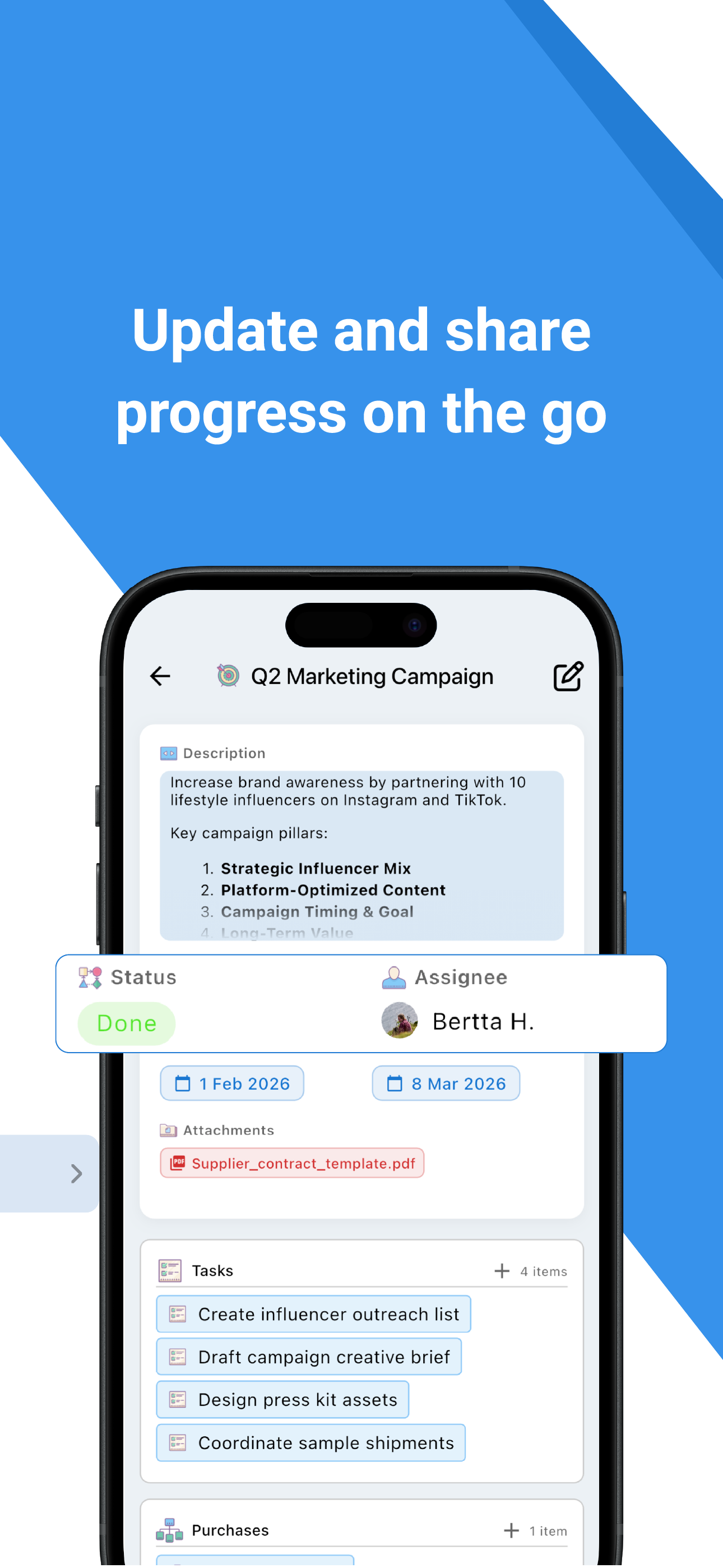
The actual work — with fields, statuses, assignees, comments, and links to items in other groups. Everything is tracked and audited.
Dashboards
Live pages with drag-and-drop widgets — Kanban, Gantt, calendars, charts. Each role sees what matters to them. AI can build them for you.
Stay in the loop,
wherever you are
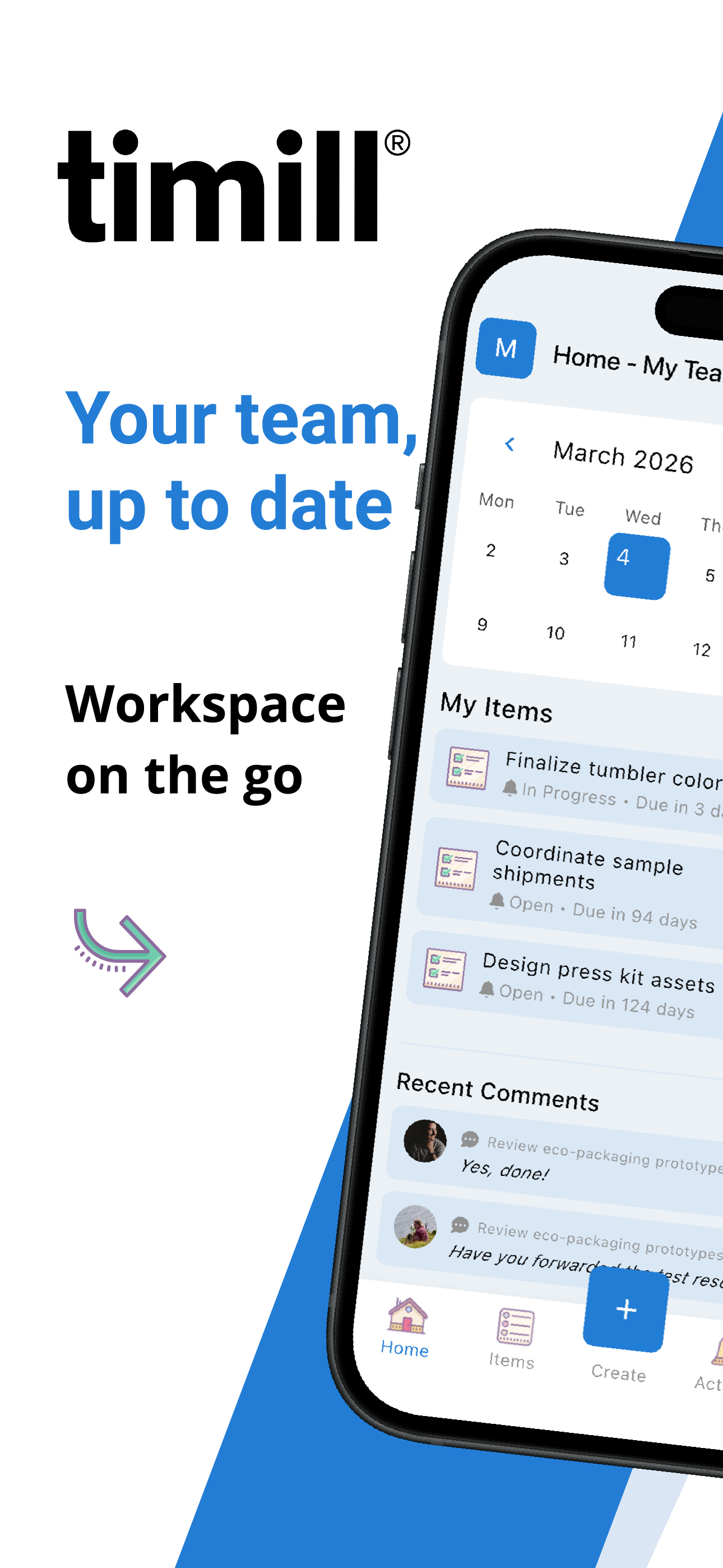
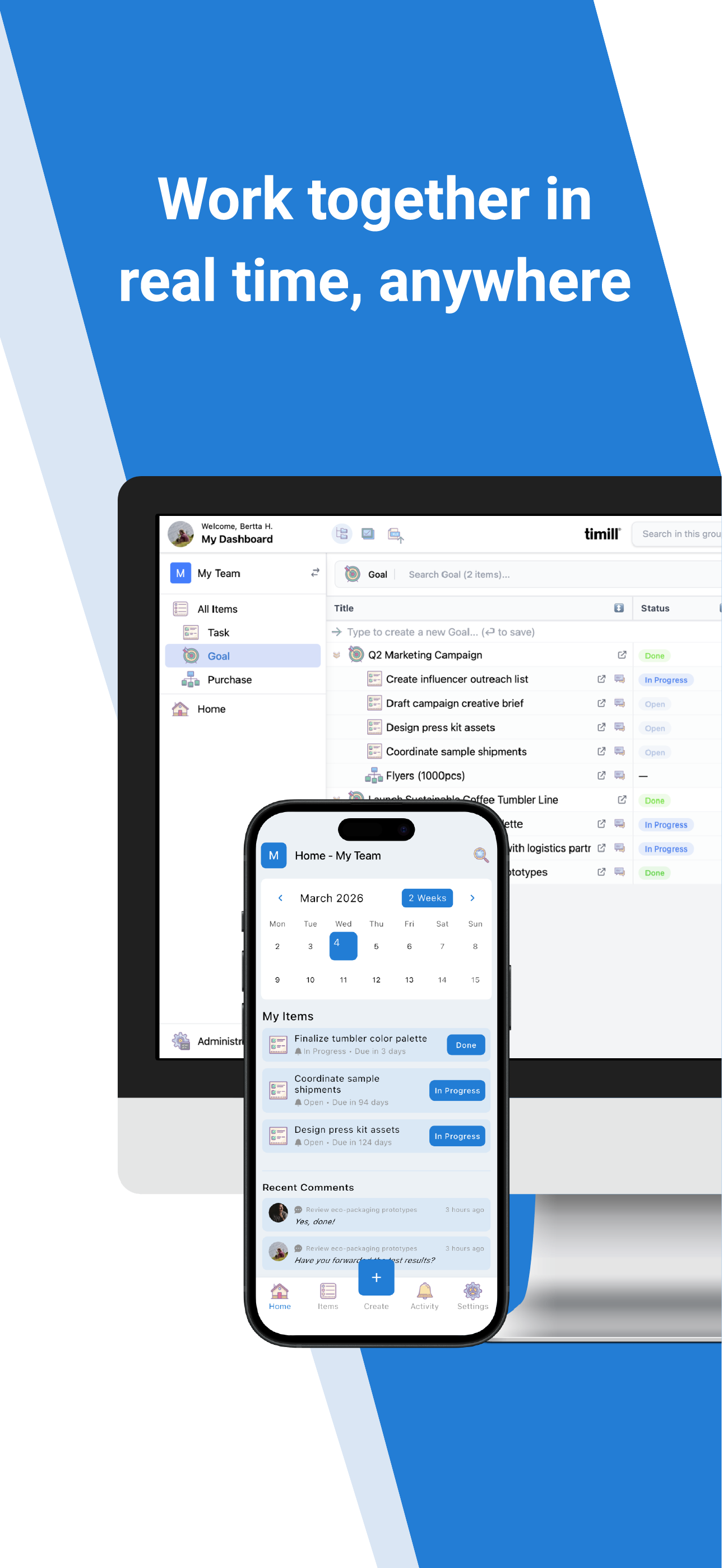
The timill mobile app gives you full access to your items, dashboards, and live comments — on the go. Just like messaging your team, right where the work happens.
Live comment threads
Chat-style comments on every item. See replies, reactions, and @mentions in real time — just like your favourite messaging app.
Push notifications
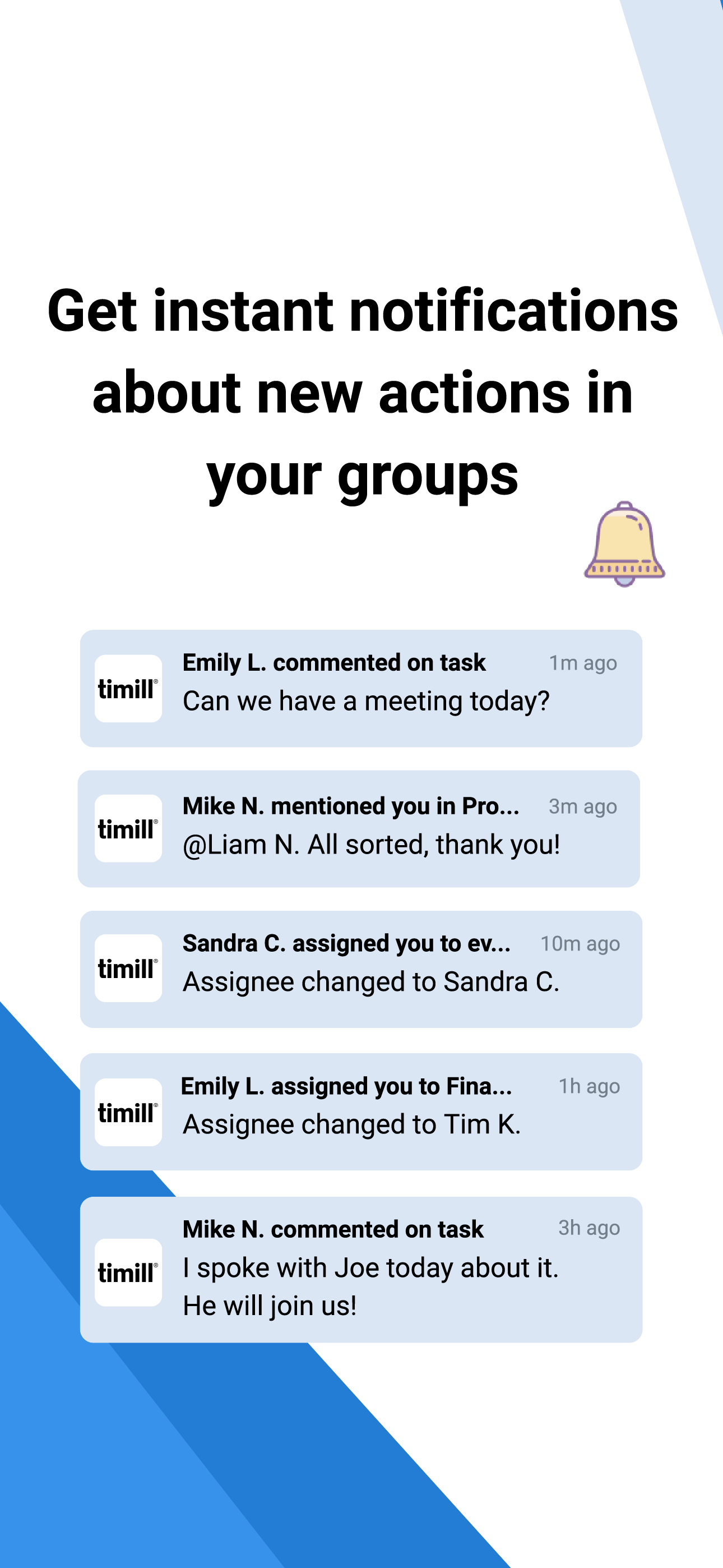
Get notified instantly when you're mentioned, assigned, or when a status changes. Never miss what matters.
Desktop & mobile, one system
Everything syncs in real time. Start a conversation on desktop, pick it up on your phone. One source of truth, everywhere.
Built-in intelligence
AI that does the heavy lifting
Set up faster, understand your data better, and skip the manual work. Six AI features, built in and ready to use.
Template Wizard
Describe your team — timill generates the full group structure, item types, fields, and roles in seconds.
Page Builder
Ask for a dashboard in plain language — AI creates the right widgets, configured for your data.
Page Suggester
Timill suggests the most useful dashboards your team should have — based on your configuration.
Data Analysis
Ask natural language questions about your items. Get insights, patterns, and suggestions — no queries needed.
Document Import
Upload a spreadsheet or PDF — timill extracts structured data directly into items. No manual re-entry.
Sample Data Generator
Spin up realistic demo data for any group — perfect for testing, training, or building a live demo.
Ready to see it in action?
Start with your team for free, or talk to us about a Pro setup for your whole organization.
Thermal test passed on rev. C ✅ Ready to submit to compliance.